

.svg)

.svg)
%201.png)





Google almost certainly does not read your scroll events. But that does not mean scroll depth is irrelevant to your rankings. It means most SEOs are asking the wrong question.
Open any analytics dashboard and scroll depth is right there, sitting in your GA4 reports or lighting up your heatmap tool. Yet ask ten SEOs whether scroll depth affects Google rankings and most will wave it off. It is not a confirmed signal, they will say. Google cannot see your analytics. Move on.
That dismissal is technically accurate and strategically wrong at the same time. Scroll depth is not something Google reads from your tag manager or your Hotjar account. But the user behaviors that scroll depth reflects, specifically how long people stay on your page, whether they bounce straight back to search results, and whether they find what they came for, are deeply connected to how Google evaluates content quality. Ignoring scroll depth because it is not a direct signal means ignoring one of the clearest windows into whether your page is actually doing its job.
This article unpacks the real relationship between scroll depth and Google rankings: what the data shows, what Google has confirmed about engagement signals, and what you can do with this information to improve your SEO performance.
What is scroll depth and why do SEOs track it?
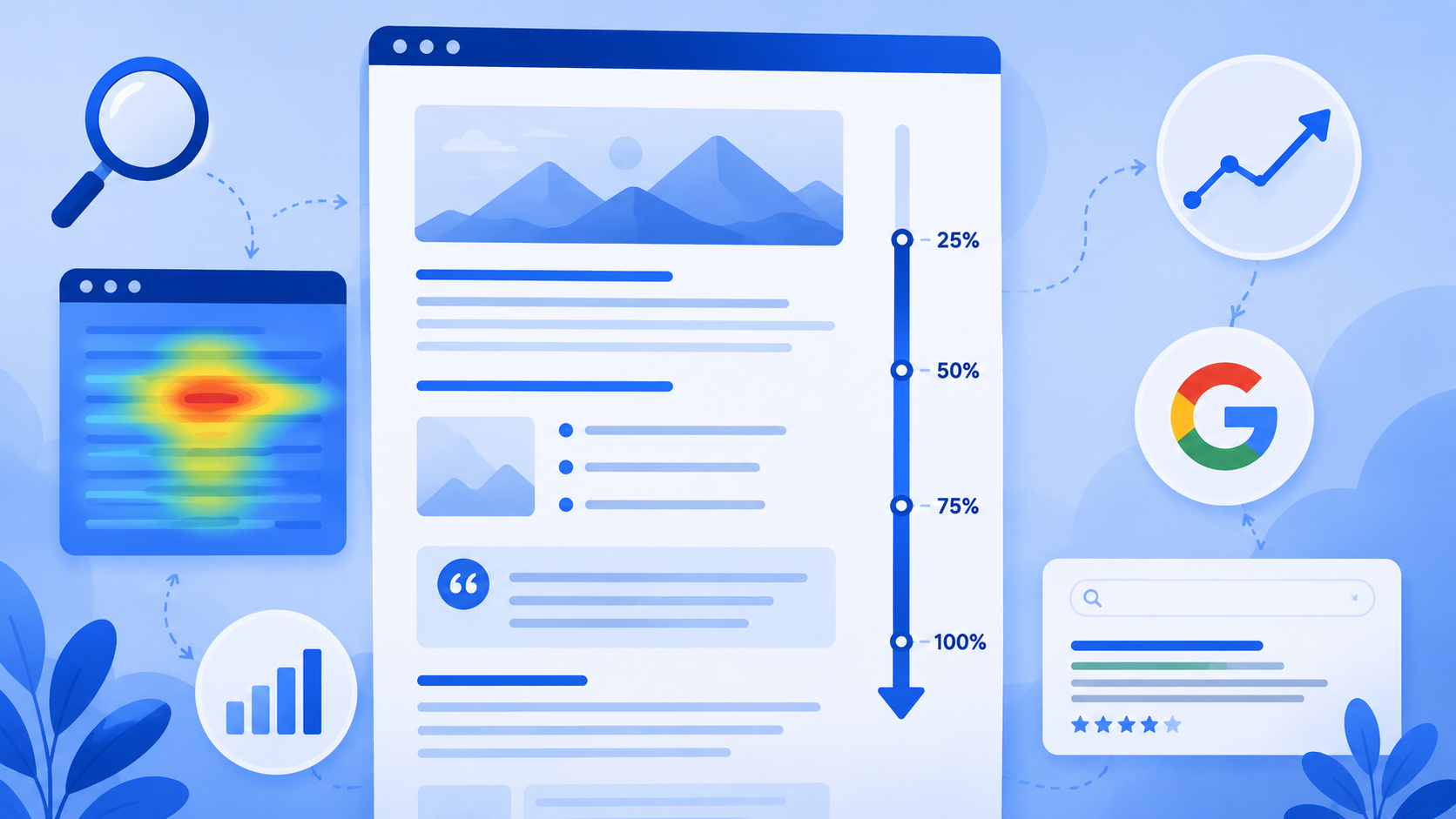
Scroll depth measures how far down a page a visitor scrolls, typically expressed as a percentage of the total page length. The standard thresholds are 25%, 50%, 75%, and 100%. A user who reads through the full article hits 100%. A user who glances at the headline and leaves might not clear 10%.
Most analytics setups track scroll depth in one of two ways. GA4 fires an automatic scroll event when a user reaches 90% of the page, which captures readers who make it to the bottom but misses everyone who drops off earlier. For more granular data, marketers use Google Tag Manager to set up custom scroll depth triggers at 25%, 50%, and 75% milestones. Heatmap tools like Hotjar and Microsoft Clarity add a visual layer, showing exactly where the average user stops scrolling in color-coded overlays.
Scroll depth is a proxy for content quality. A page where 70% of visitors reach the midpoint is telling you something different from a page where 80% leave before the first subheading.
Here is the critical point to hold onto before going further: scroll depth is not a raw signal that Google pulls from your analytics platform. Google does not have access to your GA4 data or your Hotjar session recordings. The relevance of scroll depth to SEO is indirect, and understanding that distinction is the whole point of this article.
Does Google use scroll depth as a direct ranking signal?
No, at least not in any confirmed, documented way. Google has never cited scroll depth as a ranking input, and there is no credible evidence that the company reads scroll events from third-party analytics tools.
What Google has confirmed, though indirectly and through documents that surfaced during legal proceedings, is that it uses behavioral and engagement signals as part of how it evaluates content quality and ranking position. The clearest window into this came through the U.S. Department of Justice antitrust case against Google, where internal systems like NavBoost were referenced. NavBoost uses click and engagement data from Google's own Chrome browser and search interface to influence how pages rank. It is not reading your analytics. It is reading behavior that happens inside Google's own ecosystem.
Rand Fishkin and others in the SEO community have analyzed the implications of the NavBoost revelations at length. The conclusion most have reached is consistent: Google is absolutely using some form of behavioral signal, it is just using data it collects itself, not data from third-party tools.
So the distinction matters. Scroll depth as tracked in GA4 is not a ranking signal. But scroll depth as a reflection of user behavior that Google can observe through its own systems is a different conversation entirely. When a user clicks your result and scrolls through two-thirds of your page before returning to search, Google may well observe that session through Chrome or its own logged-in user data, even if it cannot see your heatmap.
The indirect connection: engagement signals Google does measure
This is the section that actually answers the question in the title. If scroll depth is not a direct signal, what is it connected to that actually matters for rankings?
Dwell time
The most direct connection is dwell time, which refers to how long a user spends on your page before returning to the search results page. Low scroll depth and short dwell time are almost always correlated. A user who scrolls 15% of a page and leaves within 12 seconds is exhibiting the same underlying behavior from two different measurement angles. Google has the ability to observe dwell time through its own logged-in user data and through Chrome browser telemetry. A page that consistently sends users back to the SERP quickly is a page Google may interpret as failing to satisfy the query.
Pogo sticking
Pogo sticking happens when a user clicks a result, immediately decides it is not what they were looking for, and clicks back to try another result. It is the most visible behavioral signal of a content and intent mismatch. Pages with very low scroll depth, specifically those where users do not even reach the first subheading, are highly susceptible to generating pogo sticking behavior. While Google has been cautious about publicly confirming that it uses pogo sticking as a signal, the logic is intuitive: a page that repeatedly sends users straight back to search is not satisfying the query.
Engagement rate in GA4
Since GA4 replaced Universal Analytics, the primary engagement metric is engagement rate, which replaces the old bounce rate. A session counts as engaged if it lasts longer than 10 seconds, results in a conversion event, or includes two or more page views. Scroll depth directly influences whether a session clears the 10-second threshold and whether a user is likely to click through to another page on the site. Pages with low scroll depth tend to have lower engagement rates, and while GA4 data is not fed to Google's ranking algorithm, the underlying behavior that drives low engagement rate is exactly the kind of behavior Google can observe through its own data collection.
Click satisfaction and SERP click distribution
Google infers content quality in part from what happens after a user clicks a search result. If users consistently click a result, spend time on the page, and do not immediately return to search for the same thing, that is a signal of satisfaction. Scroll depth is one of the clearest indicators of whether a user found what they needed. Pages that keep users scrolling tend to satisfy queries. Pages that lose users at the top tend to generate repeat searches. This connects directly to how SERP click distribution works over time: results that satisfy users hold their position, while results that consistently disappoint tend to be displaced by better-performing pages.
What low scroll depth actually tells you about your page
When a page has consistently low scroll depth, it is telling you something specific is wrong. The question is what. Here are the most common root causes.
- Search intent mismatch. The page does not deliver what the query promised. A user searching for a step-by-step guide lands on a high-level overview. A user expecting a product comparison lands on a sales pitch. The mismatch is immediate and the user leaves without scrolling.
- Poor content structure. Walls of text without subheadings, visual anchors, or clear section breaks push readers away. If the page looks like an effort to get through rather than an easy resource to scan, users stop early.
- Core Web Vitals and load performance issues. If the page takes more than two to three seconds to fully render, users may leave before the content is even visible. Scroll depth data in this scenario is misleading, since users are not choosing to leave based on content; they are leaving because the page is too slow.
- Mobile rendering problems. A page that is difficult to read or navigate on a mobile screen, with text that is too small, buttons that are too close together, or images that break the layout, will see dramatically lower scroll depth on mobile devices than on desktop.
- Key content buried below the fold. If the most useful part of the page is located halfway down, users who do not already trust the source may not wait to find it. The value needs to be visible early.
How to improve scroll depth and the signals behind it
Improving scroll depth is not primarily a technical exercise. It is a content quality exercise. The changes that move scroll depth numbers are the same changes that make pages more useful. Alongside structural improvements, CTR optimization works hand in hand with scroll depth because a well-matched title and meta description attracts the right audience, reducing the rate of immediate exits from intent mismatch.
Lead with your strongest content
The first 200 words of any article do more work than any other section. If the most compelling insight, data point, or practical answer is buried in section four, readers who arrived with limited patience will leave before they find it. Restructure pages so the core value is visible immediately.
Use subheadings to pull readers deeper
Subheadings serve two functions: they help readers navigate and they create visual milestones that invite continued scrolling. A reader who has just finished one section and sees a relevant subheading immediately below is more likely to keep reading than a reader staring at an unbroken block of text. Aim for a subheading at least every 250 to 300 words.
Add visual anchors throughout the page
Heatmap studies consistently show that images, data tables, charts, and pull quotes interrupt the natural scroll-stopping pattern. When a reader's eye catches a visual element lower on the page, it creates a reason to scroll toward it. Articles with visual elements distributed throughout the body reliably outperform text-only articles on scroll depth metrics.
Match content depth to search intent
Not every page should aim for 100% scroll depth. A user who searched for a simple factual answer and got it in the first paragraph is satisfied. The goal is to match content length and depth to what the query actually requires. Artificially lengthening a page to hit a word count target will hurt scroll depth, not help it.
Use progressive disclosure
Preview what is coming in subsequent sections. A line at the end of one section that says something like "in the next section, we break down exactly how to set this up in GA4" gives readers a reason to continue. It is a simple technique that is consistently underused in SEO content.
How to diagnose scroll depth issues in GA4 and heatmap tools
Before you can fix scroll depth problems, you need to measure them correctly. The default GA4 setup only captures users who scroll to 90% of the page, which tells you about your best readers but nothing about everyone else.
Setting up custom scroll tracking in GTM
To get the full picture, add custom scroll depth triggers in Google Tag Manager at the 25%, 50%, and 75% thresholds. Each trigger fires a GA4 event, giving you a scroll depth funnel that shows how many users reach each milestone. The drop-off between thresholds is where your diagnostic work begins.
Reading heatmaps correctly
A healthy scroll heatmap shows a gradual fade from warm colors at the top to cooler colors near the bottom, with no sudden sharp drop-offs. A drop-off at a specific section is a diagnostic flag: something on the page at that point is causing readers to leave. It could be a section that is off-topic, a block of text that looks too dense, or a call to action that feels interruptive.
Combining scroll depth with other metrics
Scroll depth in isolation is useful but scroll depth combined with engagement time, pages per session, and SEO visibility data gives you a much clearer picture. A page with low scroll depth but high engagement time might indicate that users are reading slowly rather than leaving. A page with high scroll depth but zero pages per session might indicate the page is a dead end with no clear next step. Cross-referencing these metrics prevents misdiagnosis.
A practical framework: flag any page that receives more than 500 monthly organic visits and has an average scroll depth below 50% as a priority for content audit. These pages are sending behavioral signals that the content is underperforming relative to its traffic, and that gap is worth closing.
Should you optimize for scroll depth as an SEO strategy?
Yes, but with the right frame. You are not optimizing for scroll depth because Google reads your GA4 scroll events. You are optimizing for scroll depth because it is one of the clearest diagnostic signals you have access to, and the fixes it points toward are exactly the fixes that improve the behavioral signals Google does observe. Understanding what CTR is and how it interacts with on-page engagement helps complete this picture: a well-written title attracts the right audience, and well-structured content keeps them on the page long enough to generate the satisfaction signals that support ranking stability.
The workflow is straightforward. Use GA4 and heatmap data to identify your lowest-performing pages by scroll depth. Audit each one for the root causes outlined earlier in this article: intent mismatch, structural problems, load performance, and mobile UX. Apply targeted fixes. Remeasure after 30 days. The improvements in scroll depth will be accompanied by improvements in dwell time, engagement rate, and ultimately in how consistently those pages hold their ranking position under competitive pressure.
The bottom line
Scroll depth is not a confirmed Google ranking signal. Google is not reading your Hotjar sessions or your GA4 scroll events. That much is true.
But scroll depth is one of the most honest performance metrics available to content teams and SEOs, because it measures whether users actually consumed what they came for. The behaviors it reflects, specifically dwell time, pogo sticking, and engagement rate, are exactly the kinds of signals that Google has indicated it uses to evaluate content quality. A page that loses 80% of its visitors before the second subheading is not just a scroll depth problem. It is a page that is failing to satisfy a query, and over time, Google tends to notice.
Treat scroll depth as a diagnostic lens. Use it to find the gaps between what your pages promise and what they deliver. Fix those gaps and you improve the behavioral signals that actually move rankings, without needing to guess at Google's algorithm or wait for confirmation that never comes.


.svg)