

.svg)

.svg)
%201.png)



Scaling location pages sounds like a growth hack. More pages equals more visibility, right?
Not exactly.
Done wrong, it leads to thin content, duplication, and wasted crawl budget. Done right, it becomes one of the most effective ways to dominate local and geo-targeted search.
This guide shows you how to scale location pages the right way without hurting your SEO performance.
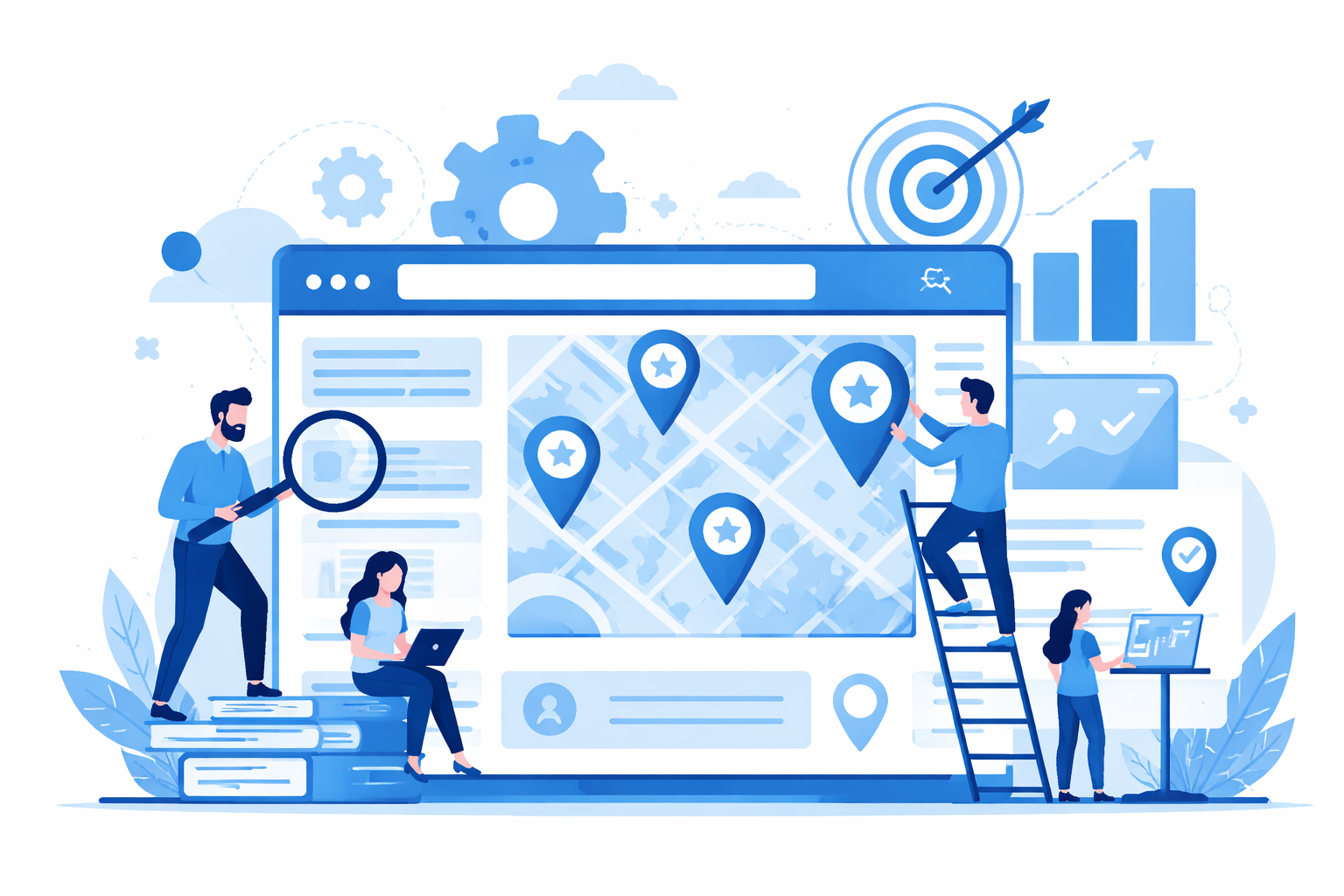
Why scaling location pages is challenging
Location pages require balance.
They need to be:
- Highly relevant to a specific place
- Unique enough to avoid duplication
- Useful enough to rank and convert
When you scale, many websites fall into the same pattern. They copy a page, change the city name, and publish dozens or hundreds of versions.
Search engines do not reward volume alone. They reward value at scale.
To make location pages work, you need a clear strategy around targeting the right search terms. If you are not aligning your pages with intent-driven location based keywords, you risk creating pages that never gain traction. The goal is not just to create pages, but to match what users are actually searching for in each area.
The biggest mistakes that hurt your SEO
Before building your strategy, it helps to understand what usually goes wrong.
1. Thin, repetitive content
If every page says the same thing with a different city name, it adds no value.
This can lead to:
- Lower rankings
- Reduced crawl efficiency
- Poor user engagement
2. Lack of local relevance
Changing the location name is not enough.
If your pages for different cities all read the same, you miss:
- Local context
- Specific user intent
- Trust signals
Users want to feel that the page was created for their area.
3. Publishing too many pages too quickly
Creating hundreds of pages at once without quality control can:
- Dilute your site authority
- Slow down indexing
- Reduce overall performance
Scaling too fast without a plan often backfires.
What effective scaling actually looks like
Scaling location pages is about building a system, not duplicating content.
Your goal is to create pages that are both scalable and genuinely useful for each location.
1. Build a flexible content framework
Start with a structured template, but leave room for customization.
Your framework should include:
- Core service information that stays consistent
- Sections designed for local customization
- Flexible content blocks that can be adapted
Example structure:
- Introduction with a location-specific angle
- Services offered in that area
- Local proof such as testimonials or case studies
- Frequently asked questions tailored to the area
- Internal links to nearby locations
A strong structure gives you efficiency. Customization gives you ranking potential.
2. Add meaningful local signals
This is where you can stand out.
Strong location pages include:
- Nearby landmarks or neighborhoods
- Service area details
- Local customer experiences
- Region-specific challenges
For example:
Instead of:
“We provide services in New York City”
You can write:
“From Brooklyn to Manhattan, we work with businesses across New York City to improve their local visibility”
Small details make your content feel real and relevant.
This is also where many businesses start seeing real traction. When your pages reflect real-world locations and user intent, you move closer to achieving consistent local SEO success. It is not about adding more content, but about making each page genuinely useful for the people in that area.
3. Use programmatic SEO carefully
Programmatic SEO can help you scale efficiently, but it should not replace quality.
You can use:
- Databases
- Structured templates
- Dynamic content
But each page still needs:
- Unique value
- Clear differentiation
- Alignment with user intent
If the page does not help a real user, it will not perform well in search.
4. Focus on high-value locations first
Not every location needs its own page.
Prioritize:
- Areas with strong search demand
- Locations that drive revenue
- Regions where you have real presence
Start with your most important cities, test performance, then expand gradually.
5. Strengthen internal linking
Location pages should work together, not sit in isolation.
A strong internal linking structure includes:
- Links between nearby cities
- Connections to core service pages
- A central location hub or directory
This helps search engines understand your site and improves rankings across multiple pages.
6. Prevent index bloat
Not every page should be indexed immediately.
If a page is:
- Too similar to others
- Lacking depth
- Not performing
You can:
- Improve the content before indexing
- Merge it with stronger pages
- Keep it out of the index until it is ready
Quality matters more than quantity.
7. Optimize continuously using data
Scaling is an ongoing process.
Track key metrics such as:
- Rankings by location
- Organic traffic
- Engagement metrics
- Conversions
Use this data to:
- Improve pages that are underperforming
- Expand pages that perform well
- Remove or update weak pages
This approach keeps your strategy effective over time.
A simple workflow to follow
If you want a clear starting point, follow this process:
- Identify high-value locations
- Build a flexible page template
- Add significant local content to each page
- Create strong internal links
- Publish in controlled batches
- Monitor and refine performance
Repeat the process as you grow.
Scaling location pages is not about publishing more content.
It is about creating pages that deliver real value for each location.
When done correctly, it becomes a long-term SEO asset that drives traffic and conversions.
When done poorly, it creates pages that do not rank and do not help your business.
Final thoughts
Before publishing any location page, ask yourself:
Would this page still be useful if it ranked first on Google?
If the answer is no, improve it first.
That simple check can make the difference between scalable success and wasted effort.
And once your pages are live, visibility alone is not enough. You also need users to click. That is where tools like SearchSEO can quietly support your strategy, including solutions like GMB CTR boost, helping improve click-through rates and reinforce the performance of your location pages over time.
Build for value first, then optimize for performance. That is how you scale without breaking your SEO.


.svg)