



You don't always need a bigger marketing budget to get more website visitors. Sometimes, the quickest opportunity is already sitting in your Google Search Console data: a page ranking on page two, a keyword earning impressions but few clicks, or an article that needs better internal links.
The challenge is knowing where to look.
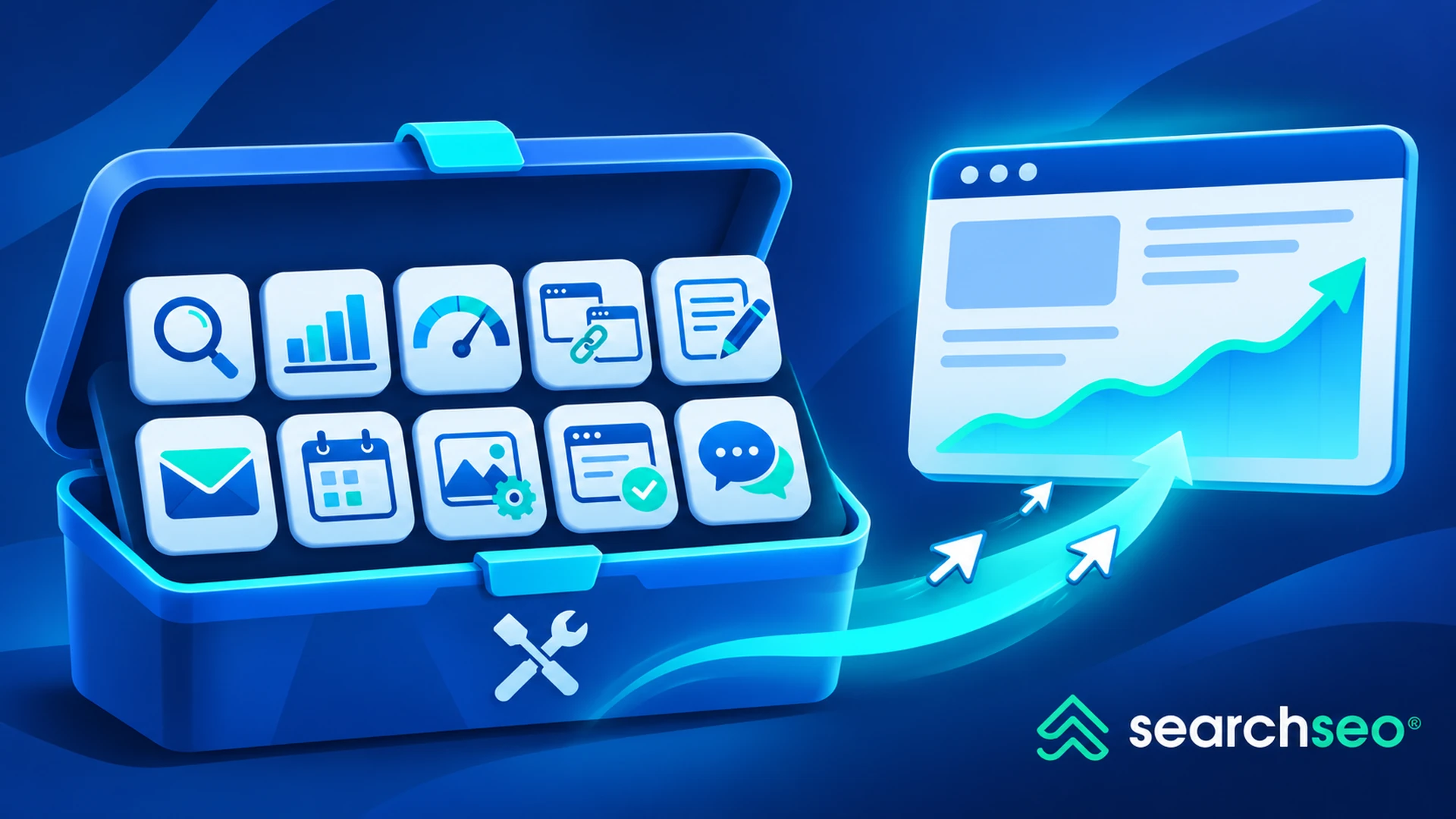
Fortunately, several free tools to increase website traffic can help you find those opportunities without paying for expensive SEO software or advertising.
Some tools identify keywords worth targeting. Others reveal technical problems, improve page performance, or show which channels actually bring visitors to your website.
Not every tool generates traffic directly. Their value comes from helping you make changes that improve your website's visibility and attract more relevant visitors over time.
Here are 10 practical tools worth using.
10 free tools to increase website traffic
These tools cover different stages of traffic growth, from discovering demand to improving the experience after someone lands on your site.
1. Google Search Console: Find keywords already bringing impressions
Best for: Organic traffic growth, CTR optimization, indexing checks, and identifying page-two ranking opportunities.
Google Search Console is one of the most valuable free SEO tools because it shows how your website actually performs in Google Search.
You can review:
- Organic clicks and impressions
- Average keyword positions
- Click-through rates
- Pages receiving search visibility
- Indexing and crawling issues
How to use it to increase website traffic
Open the Performance report and compare the last three months with the previous three months.
Look for pages that have:
- High impressions but low CTR
- Keywords ranking between positions 8 and 20
- Declining clicks despite stable impressions
- Queries gaining impressions without corresponding clicks
For example, suppose an article receives 15,000 impressions but only 90 clicks.
Before publishing another article, investigate whether the existing page could attract more clicks through a stronger title, improved content, or better search-intent alignment.
That may be a more efficient use of your time than starting from zero.
Practical tip: Prioritize pages with existing search visibility. They often offer faster opportunities than entirely new content.
2. Google Analytics 4: Find out which traffic actually matters
Best for: Traffic-source analysis, visitor engagement, and conversion measurement.
Google Analytics 4 helps you understand what happens after visitors reach your website.
Search Console explains how people discover you through Google. GA4 helps you understand how those visitors interact with your site.
How to use it
Open the Traffic acquisition report and compare your main channels:
- Organic Search
- Direct
- Referral
- Organic Social
- Paid Search
Look beyond session totals.
Compare engagement, important events, and conversions to determine which sources are attracting visitors who actually accomplish something.
For example, your social traffic might generate twice as many sessions as organic search but only a fraction of the qualified leads.
That suggests you should evaluate traffic quality before investing more effort in the highest-volume channel.
Practical tip: Set up meaningful conversion events before making major decisions about traffic acquisition.
3. Google Trends: Discover topics before demand peaks
Best for: Seasonal keywords, emerging trends, and content planning.
Google Trends helps you understand how interest in a topic changes over time.
Unlike conventional keyword tools, it does not provide absolute monthly search volume. Instead, it displays relative search interest.
How to use it
Enter a keyword relevant to your niche and examine:
- Interest over time
- Geographic differences
- Related topics
- Rising queries
- Seasonal patterns
For example, an ecommerce website selling outdoor equipment might discover that interest in certain camping products begins increasing several months before peak buying season.
Publishing and optimizing content before demand peaks gives search engines time to discover and evaluate those pages.
Practical tip: Compare related topics over 12 months and five years to distinguish genuine growth from short-lived spikes.
4. Google Keyword Planner: Find new keyword opportunities
Best for: Keyword discovery and estimating search demand.
Google Keyword Planner is primarily designed for Google Ads, but its keyword suggestions can also support organic SEO research.
You need a Google Ads account to access it, and available search-volume detail may depend on account status and advertising activity.
How to use it
Enter a seed keyword or website URL to discover related search terms.
Evaluate:
- Keyword relevance
- Estimated search demand
- Geographic targeting
- Commercial intent
- Related keyword ideas
Suppose your website sells project management software.
Instead of targeting only "project management software," you might identify more specific searches related to small teams, agencies, remote collaboration, or particular workflows.
These narrower topics can help you build pages that satisfy more precise user needs.
Practical tip: Do not confuse Google Ads competition with organic ranking difficulty. The metrics describe different competitive environments.
5. Bing Webmaster Tools: Find traffic opportunities beyond Google
Best for: Bing keyword research, indexing diagnostics, and technical SEO.
Bing Webmaster Tools provides free search-performance data and website diagnostic tools for Microsoft's search ecosystem.
It is particularly useful for websites that already receive some Bing impressions but have not actively optimized for that search engine.
How to use it
Verify your website and examine:
- Search queries
- Clicks and impressions
- Indexing information
- Site Scan findings
- Backlink reports
Look for relevant pages with impressions but weak rankings or low CTR.
You may discover that a page performs differently in Bing than in Google, creating an opportunity for targeted improvements.
For more specific research, see our guide to Bing keyword research.
Practical tip: Do not assume that improving Google rankings automatically produces identical results in Bing. Compare the search data separately.
6. Ahrefs Webmaster Tools: Audit your website and backlinks
Best for: Technical SEO auditing and understanding your website's backlink profile.
Ahrefs Webmaster Tools provides free access to selected SEO features for websites you can verify ownership of.
It is useful for identifying technical issues that could be limiting search visibility.
How to use it
Verify your website and run a site audit.
Review issues involving:
- Broken links
- Redirect problems
- Missing metadata
- Internal linking
- Crawlability
- Duplicate content
You can also examine available backlink and organic search data for your verified website.
The goal is not to fix every warning indiscriminately.
Prioritize problems affecting important pages or preventing search engines from accessing valuable content.
Practical tip: Fix critical technical issues on commercially important pages before spending time on low-impact audit warnings.
7. Screaming Frog SEO Spider: Find technical problems affecting traffic
Best for: Website crawling, internal linking audits, redirects, and on-page SEO checks.
Screaming Frog SEO Spider is a desktop website crawler.
Its free version can crawl up to 500 URLs, making it useful for smaller websites or focused audits of individual site sections.
How to use it
Enter your domain and crawl the website.
Look for:
- Broken internal links
- Redirect chains
- Duplicate titles
- Missing H1 headings
- Incorrect canonical tags
- Orphaned or poorly linked pages, where supported by your data sources
- Pages with unexpectedly restrictive indexing directives
For example, you may discover that an important service page is buried several clicks away from the homepage and receives almost no contextual internal links.
Improving that page's discoverability can support both search-engine crawling and user navigation.
Practical tip: Start with broken links and indexing-related problems before spending time rewriting every meta description.
8. Google PageSpeed Insights: Improve slow landing pages
Best for: Website speed, Core Web Vitals, and mobile performance.
Google PageSpeed Insights analyzes page performance using available real-user data and laboratory testing.
Slow pages can create friction for visitors, particularly on mobile devices.
How to use it
Test an important landing page and review:
- Largest Contentful Paint (LCP)
- Interaction to Next Paint (INP), where field data is available
- Cumulative Layout Shift (CLS)
- Render-blocking resources
- Image optimization opportunities
For example, a blog post might load slowly because its hero image is unnecessarily large.
Compressing that image and using an efficient format such as WebP can improve the experience without changing the article itself.
Practical tip: Prioritize real-user performance issues on pages that already receive meaningful traffic.
9. Microsoft Clarity: Understand why visitors leave
Best for: Behavioral analytics, heatmaps, and session recordings.
Microsoft Clarity is a free behavioral analytics tool that helps website owners examine how visitors interact with pages.
It provides heatmaps and session recordings that can reveal usability problems traditional analytics reports do not explain.
How to use it
Review recordings and heatmaps for important landing pages.
Look for patterns such as:
- Visitors repeatedly clicking noninteractive elements
- Important CTAs receiving little attention
- Mobile navigation problems
- Visitors struggling with forms
- Content sections users frequently skip
Suppose a landing page attracts relevant organic visitors but produces very few signups.
Clarity may reveal that the primary CTA is difficult to find on mobile or that users encounter friction before reaching the signup form.
Fixing that problem can make existing traffic more valuable.
Practical tip: Use Clarity alongside GA4. Behavioral recordings can suggest why something happens, while analytics helps you measure how often it happens.
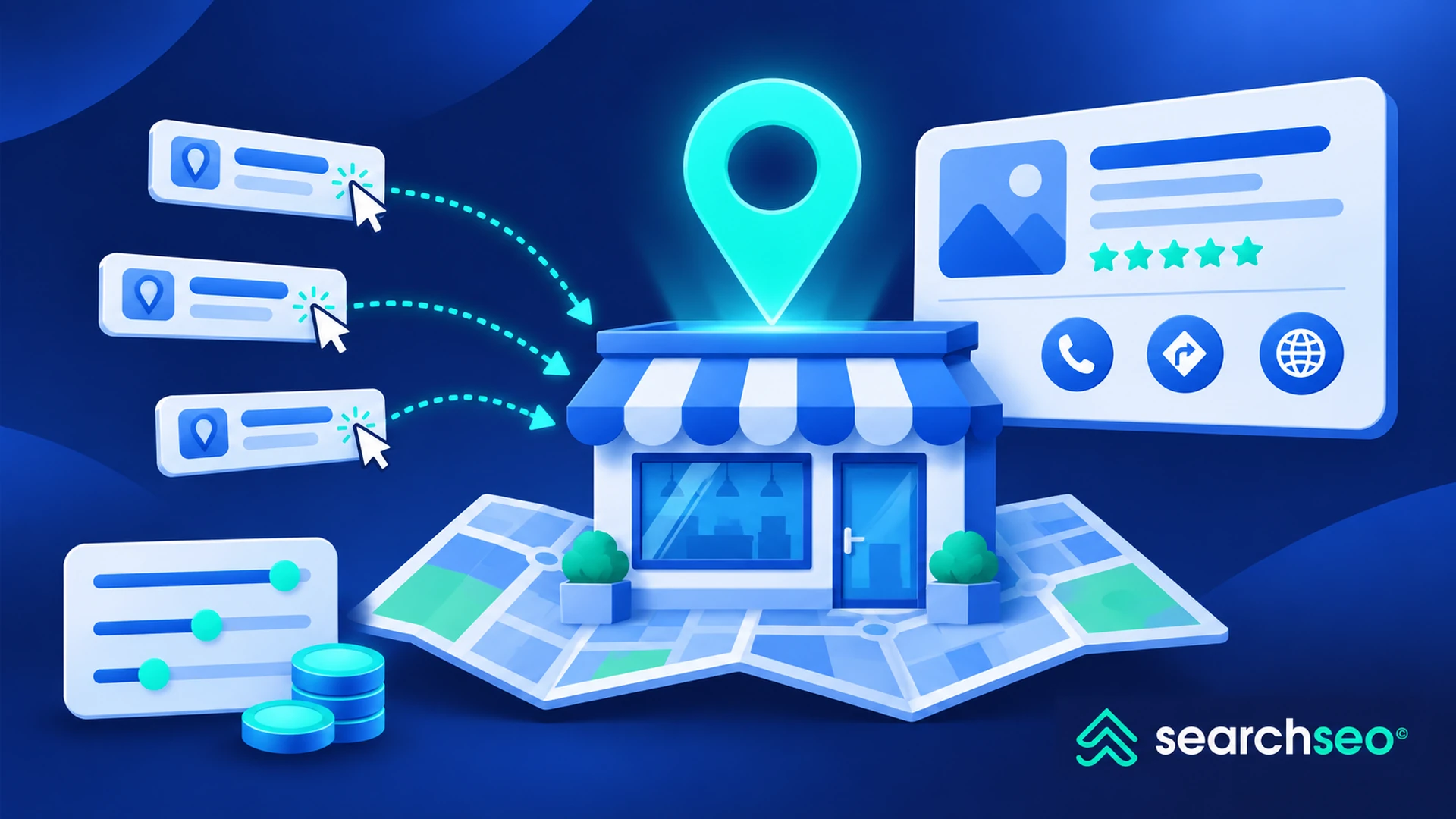
10. Google Business Profile: Increase local search discovery
Best for: Local businesses that want visibility in Google Search and Maps.
Google Business Profile is a free tool for eligible businesses that serve customers in person or within a defined service area.
It can help businesses manage their presence across Google's local search experiences.
How to use it
Create or claim your eligible business profile and complete relevant details, including:
- Business category
- Address or service area
- Opening hours
- Website
- Services
- Photos
- Contact information
Keep the information accurate and respond appropriately to customer reviews.
A complete, maintained profile helps prospective customers understand whether your business meets their needs.
For businesses targeting local searches, this can support discovery, website visits, calls, and other customer actions.
Practical tip: Make sure your website's location and service information is consistent with your Business Profile.
Which free website traffic tool should you use first?
The best choice depends on the problem you are trying to solve.
You do not need to install every tool immediately.
Start with the one that answers your most pressing question.
Five ways to generate more traffic using these free tools
The tools themselves are only part of the process. You still need a strategy for turning their findings into results.
1. Reoptimize pages that already rank
Use Search Console to identify pages ranking between positions 8 and 20.
Review their intent, content quality, internal links, titles, and competing search results.
These pages may have more immediate potential than entirely new articles.
2. Refresh content before publishing more
Use Trends and Search Console to identify changing search demand and declining pages.
Update outdated information, add useful examples, answer missing questions, and improve content structure.
3. Repurpose your strongest content
Turn existing articles into short videos, social posts, visual explainers, or newsletter content.
Share them where the relevant audience already spends time.
4. Participate in relevant communities
Platforms such as Reddit, Quora, and industry communities can introduce your content to new audiences.
Focus on useful contributions rather than posting links indiscriminately.
5. Build referral opportunities
Contribute to relevant publications, collaborate with complementary businesses, and develop resources others genuinely want to reference.
Relevant referral traffic can be valuable even when the referring website has modest overall traffic.
Where does SearchSEO fit into a website traffic strategy?
The free tools above help you discover demand, improve your website, and measure organic growth.
SearchSEO serves a different purpose.
It provides search-driven traffic campaigns built around target keywords and URLs, allowing SEO teams to test campaign activity alongside their existing optimization work.
Unlike Google Search Console, Google Trends, or PageSpeed Insights, SearchSEO is not a permanently free SEO utility. Its trial offering should be distinguished from the free tools listed above.
For SEO specialists who already have a defined keyword strategy and want to explore search-targeted campaigns, SearchSEO can be evaluated as an additional option.
However, purchased or automated search-driven visits are not equivalent to earned organic demand, and additional visits do not guarantee ranking improvements.
The strongest approach is to use free diagnostic tools to identify opportunities first, then decide whether any additional traffic campaign has a measurable purpose.
Final thoughts
Increasing website traffic without paying for advertising is possible, but the process still requires time and consistent execution.
The most effective approach is not to collect as many free tools as possible.
It is to use the right tool to find a specific opportunity, make a measurable improvement, and check whether that change produced results.
Start with Google Search Console to identify existing search demand. Use keyword and trend tools to find opportunities, technical tools to remove obstacles, and analytics tools to understand which visitors matter.
The goal is not simply more website traffic. It is more relevant traffic from pages and channels that support your website's objectives.


